
Your seller portal, tab by tab
Everything you need to know to get set up, list and sell.
Dashboard
Your home screen when you sign in, with a summary of your shop.

Products
Add a new piece, edit prices, or mark something as sold elsewhere.
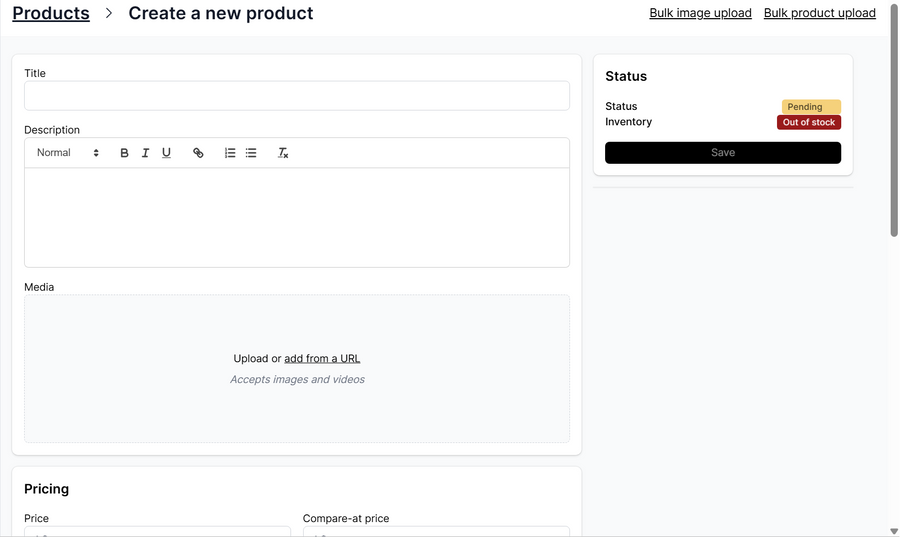
Adding a piece: fill in photos, measurements, description and price, then save. Include one photo with the whole piece in frame and nothing on it. New listings show as Pending until our team approves them.


Orders
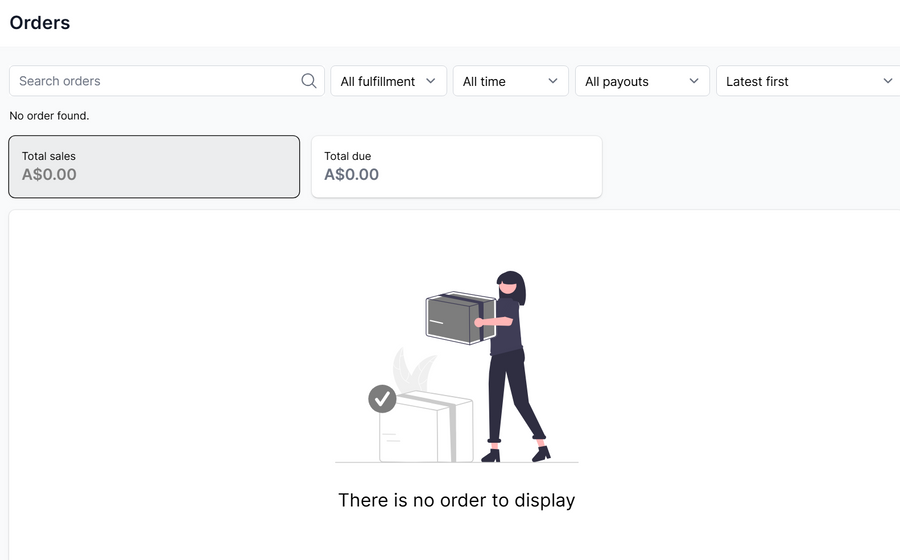
When something sells, it shows here. Track each order’s delivery and payment status.
Offers
Buyers can make offers on your pieces. Accept, counter or decline them here.

Messages
Buyer questions land here, and we’ll email you when one arrives. Replying quickly helps close the sale.

Seller page
Your seller name and description, as buyers see them. Check your seller name and add a short description of what you sell.

Shipping
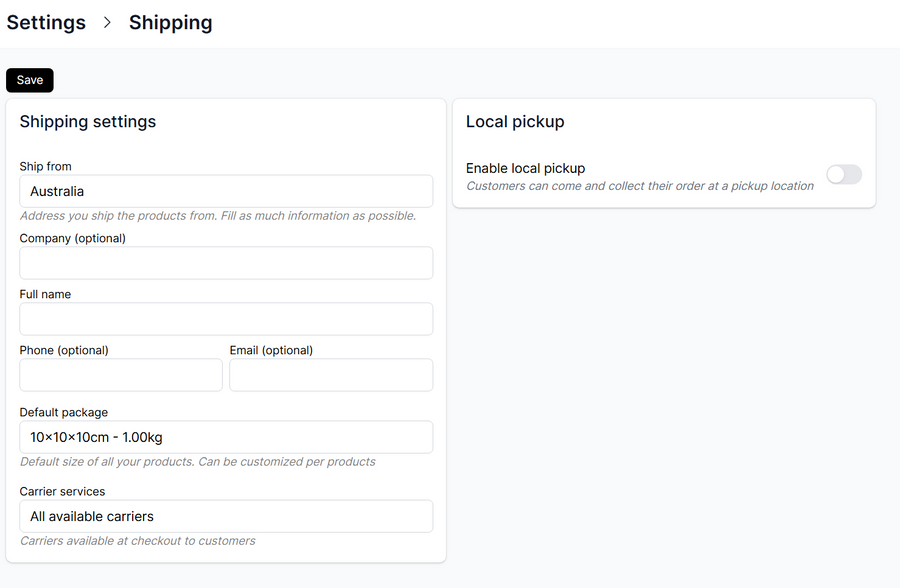
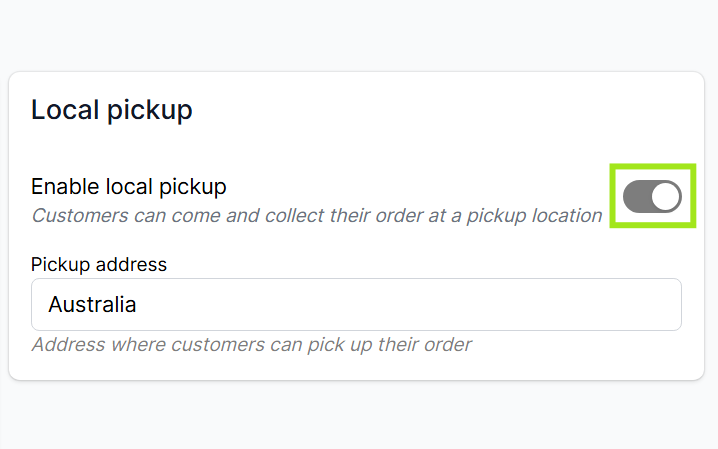
Most missedAdd the address your pieces are picked up from. We use it to quote shipping to buyers.
Do this before you list anything. Your pickup address is kept separately from your seller page, and buyers can’t get a shipping quote without it.
Integrations
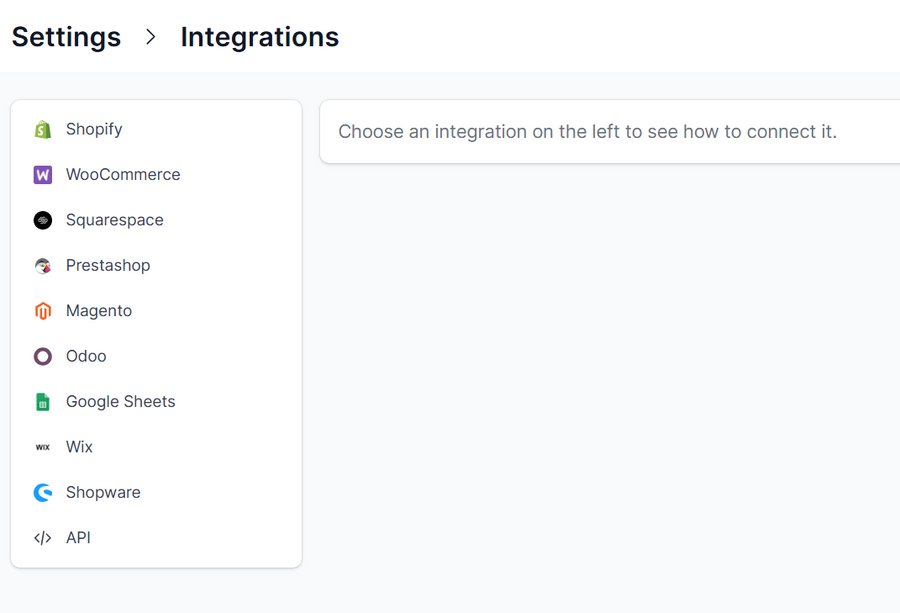
Connect your online store to sync your products. Email us at hello@bazaa.com.au to request a walkthrough.
Before you list: add your pickup address in Settings › Shipping, so buyers can get a shipping quote.
After you save a listing
Fill in photos, measurements, description and price in Products, then save.
We check the details and edit your photos so everything looks consistent.
Your piece appears on Bazaa. If we need more information first, we’ll contact you.
Syncing an online store? Email us at hello@bazaa.com.au and our team can give you a walkthrough.
When something sells
Shipping is built in: the buyer pays for delivery at checkout.
- You receive an order
It shows in Orders, with what to do next.
- Prepare for delivery
Larger items: we’ll be in touch to organise collection by one of our trusted mover or courier partners.
Smaller items: download a prepaid Australia Post label from your portal, package and send your item.
- Buyer confirms delivery
Once it arrives, the buyer confirms in their account.
- Your payout
Funds, minus the Bazaa fee, are released within 7 days. After your first sale, we’ll confirm your payout method.
Questions?
Email hello@bazaa.com.au and our team will help.